




In this article
You'll learn how to:
- understand the role of each organizational element in DISCO
- know when to use a playlist, Channel, or Catalog
- understand the difference between Artist Profiles and Artist Pages
- see how everything fits together in a real workflow
Quick reference
Here is a summary of each element before we dive in:
Tracks: the foundation of everything in DISCO
Tracks are the core building blocks in DISCO. Every file you upload - whether audio, video, or a visual asset - is stored as a track. This is where playback happens, where metadata is added, and where notes, tags, and artwork live.
You don't interact with the raw files - you interact with tracks. From there you can move them into playlists, organize them in Channels, tag them for discovery in Catalogs, or present them through Pages.
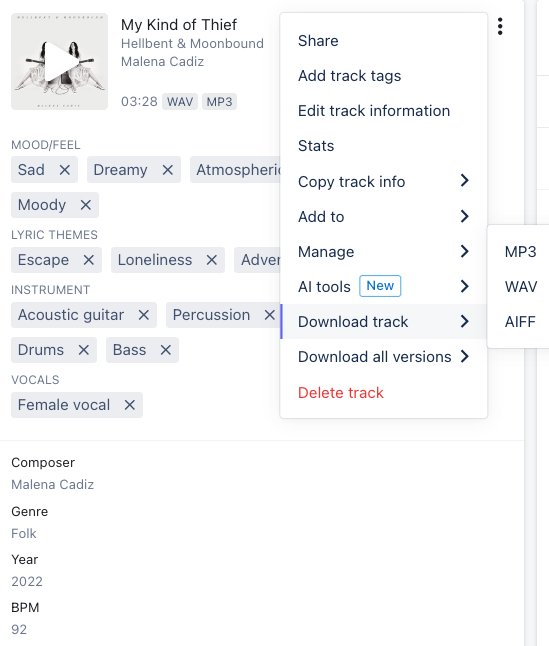
Multiple file formats - like WAV, AIFF, and MP3 - can all be linked to a single track. You can also nest alternate versions like instrumentals, stems, or sheet music under the main track, keeping everything in one place.
Playlists: organize and share files
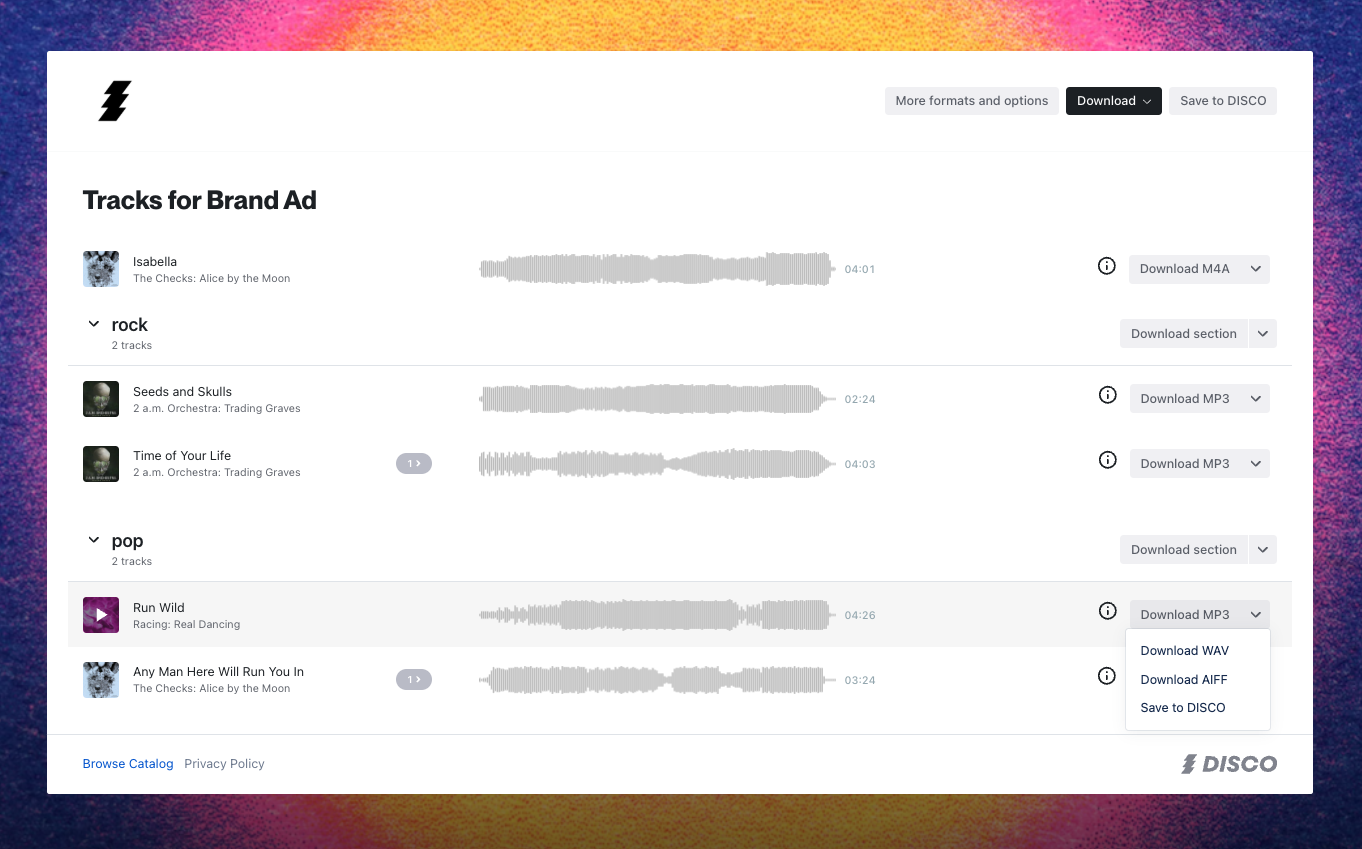
Playlists let you group tracks into curated collections. They are the main delivery format in DISCO - perfect for pitching for sync, sharing a release, comparing mix versions, sorting beats and loops, or keeping multiple versions of a project together.
You can add password protection, set expiry dates, and create unique links for each person you share with. Access stats show you who has listened or downloaded.
Playlists are simple to set up but flexible enough for all kinds of use - whether you are sending a few demos, compiling a catalog, or building something bigger.
Pages: shape your playlist into a story worth sharing
Pages are two design templates that can be applied to a playlist - Artist Page and Album Page. They let you turn a playlist into something more visual and context-rich, great for promoting new releases, artist one-pagers, EPKs, composer reels, and business presentations. You can add bios, press releases, artwork, videos, images, social media links, and custom sections to tell the full story around the music.

Artist Profiles and Artist Pages: what is the difference
This is one of the most common points of confusion in DISCO, so it is worth being clear.
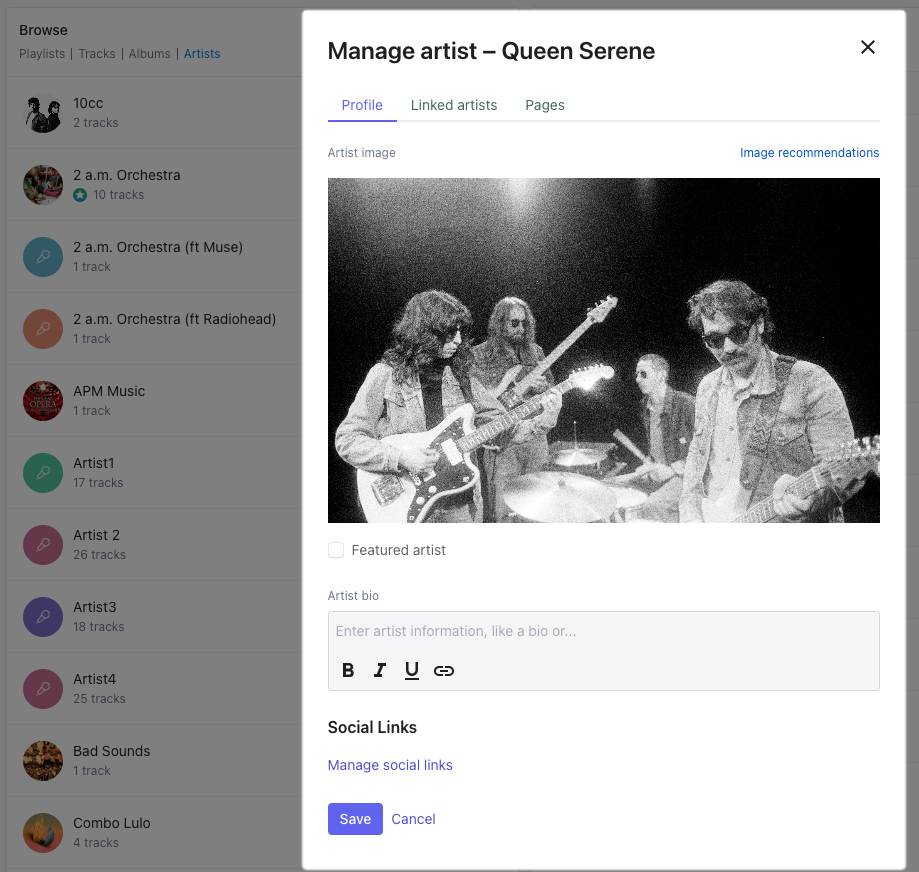
Artist Profiles are internal records. They are created automatically the moment you fill in the artist field on a track - each unique artist name generates a new profile, and every track with that name gets linked to it. You can edit an Artist Profile to include an artist image, bio, and social links. Artist Profiles are not shareable on their own - they exist to support Pages and appear on Catalogs.
Artist Pages are public-facing playlist presentations built from a specific playlist. They can use Artist Profile data to pre-populate the design, but they are what you actually share externally.
Channels: keep your files and team organized
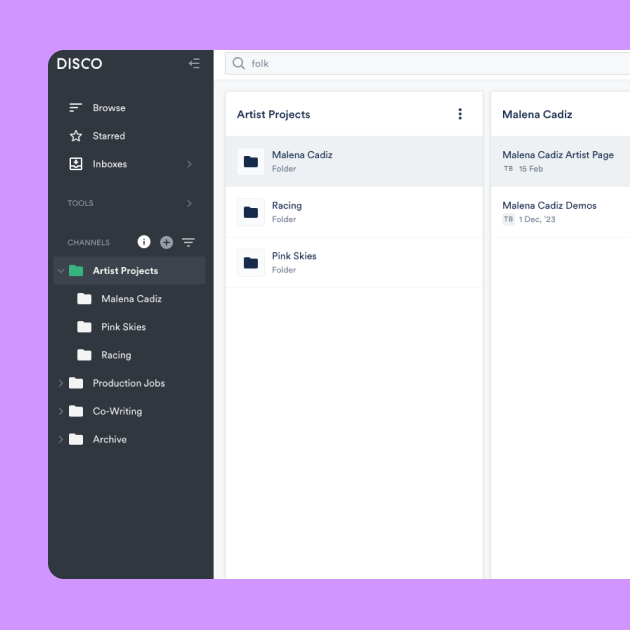
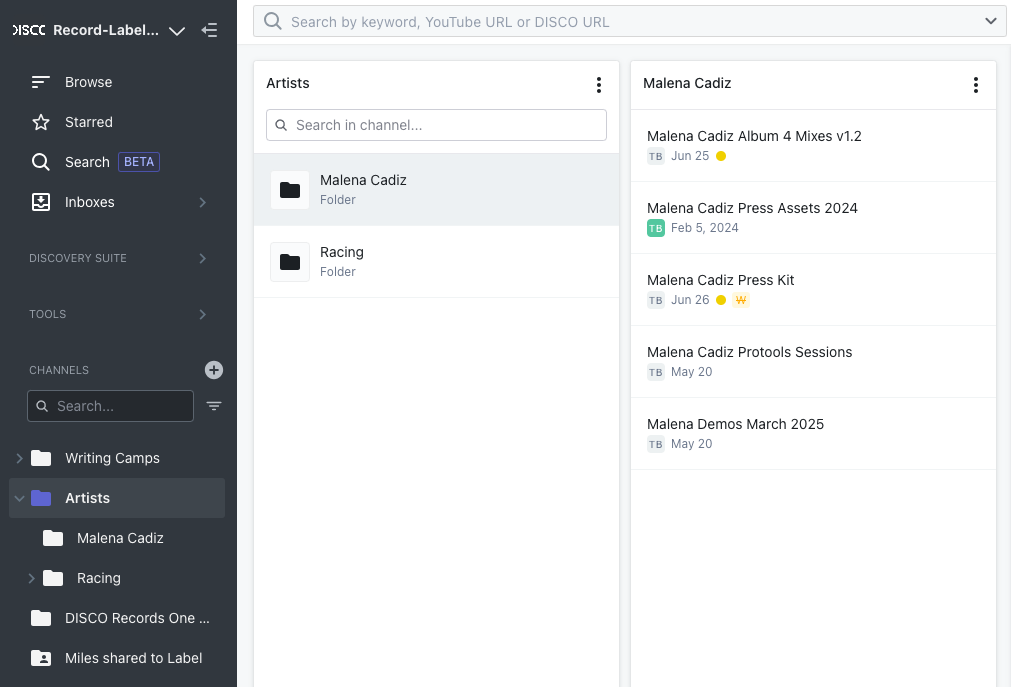
Channels work like folders and help you keep everything structured - whether that is internally with your team, across projects, or alongside collaborators. You can set them up however makes sense for your workflow - a catalog Channel organized into artist folders, a pitch log broken out by month, or an active projects Channel with folders for each show, film, or campaign.
Shared Channels are especially useful when working with people in other DISCO accounts - like a label, manager, or publisher. Instead of constantly sending links back and forth, you can give them access to a full Channel inside their own account. Any updates you make show up in real time, no emails or re-uploads needed. Shared Channels work well for artist managers and artists working across accounts, labels sending new releases to PR teams or sync agents, and publishers and sub-publishers working on each other's catalogs.
Inboxes and Briefs: receive files and submissions
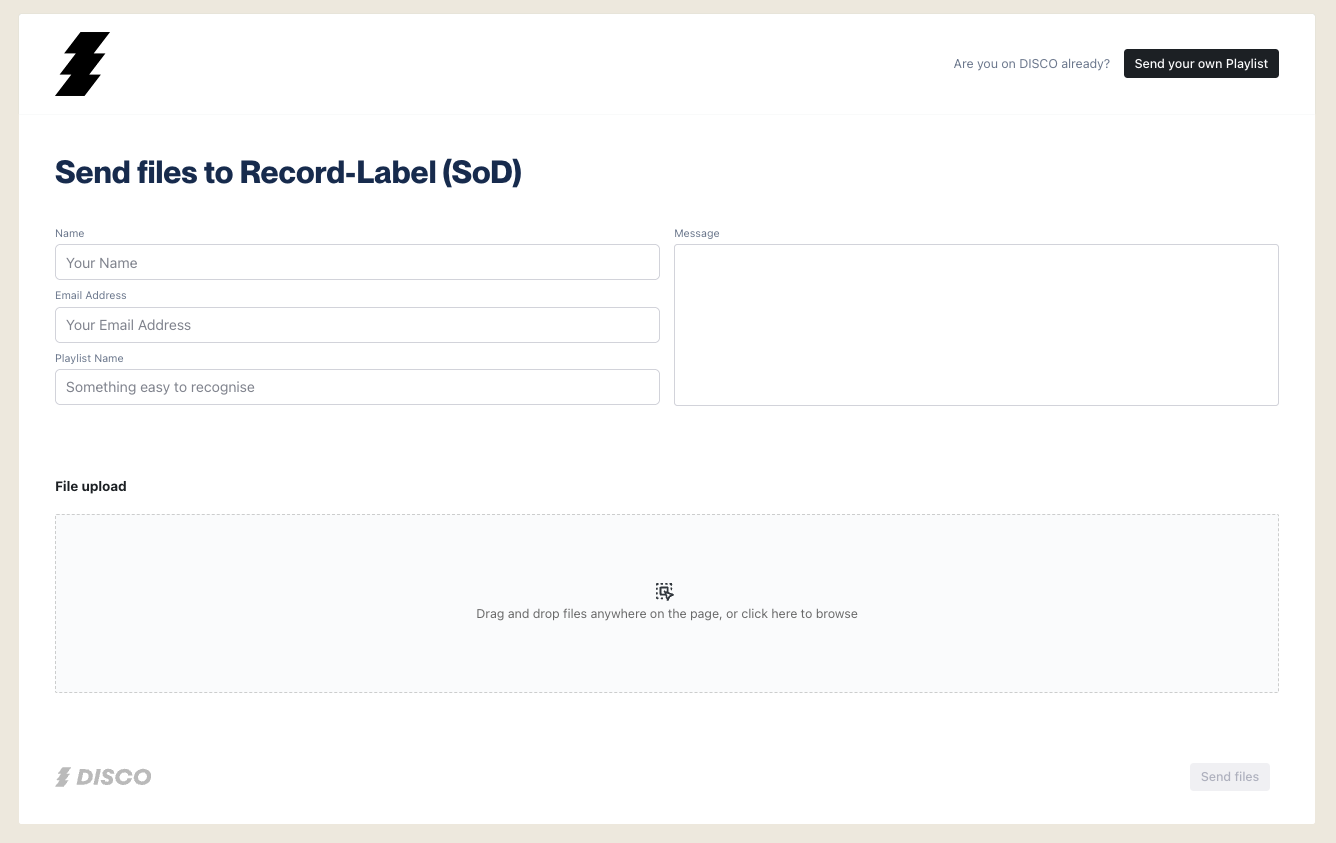
Inboxes make it easy for people to send you files without needing a DISCO account. Just share your Inbox URL and everything lands in one place, already organized and ready to work with. See the Inboxes article for a full walkthrough.
Briefs take this further by adding structure to the request itself - a written brief, a submission deadline, and targeted outreach to specific contacts or mailing lists. Submissions arrive back into DISCO as playlists inside the Brief, ready for review. Briefs are best when you need a clear written request and a dedicated place to manage responses. See the Briefs article for more.
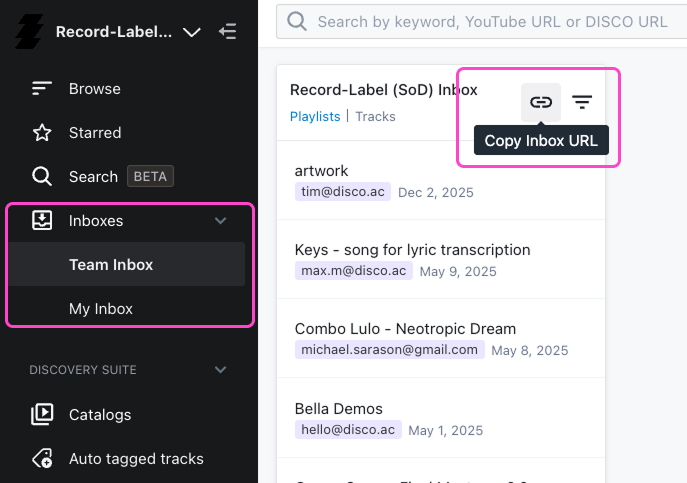
The Inbox URL upload page:
Catalogs: help others find what they need
Catalogs are curated, searchable micro-sites that give clients and music supervisors a way to search through large amounts of your content. You choose what to include - Channels, playlists, or Albums - and DISCO's auto-tagging makes everything instantly searchable alongside any metadata you have added.
Catalogs give collaborators 24/7 access to the parts of your catalog you want them to see, with tracks matched to Artist Profiles automatically.
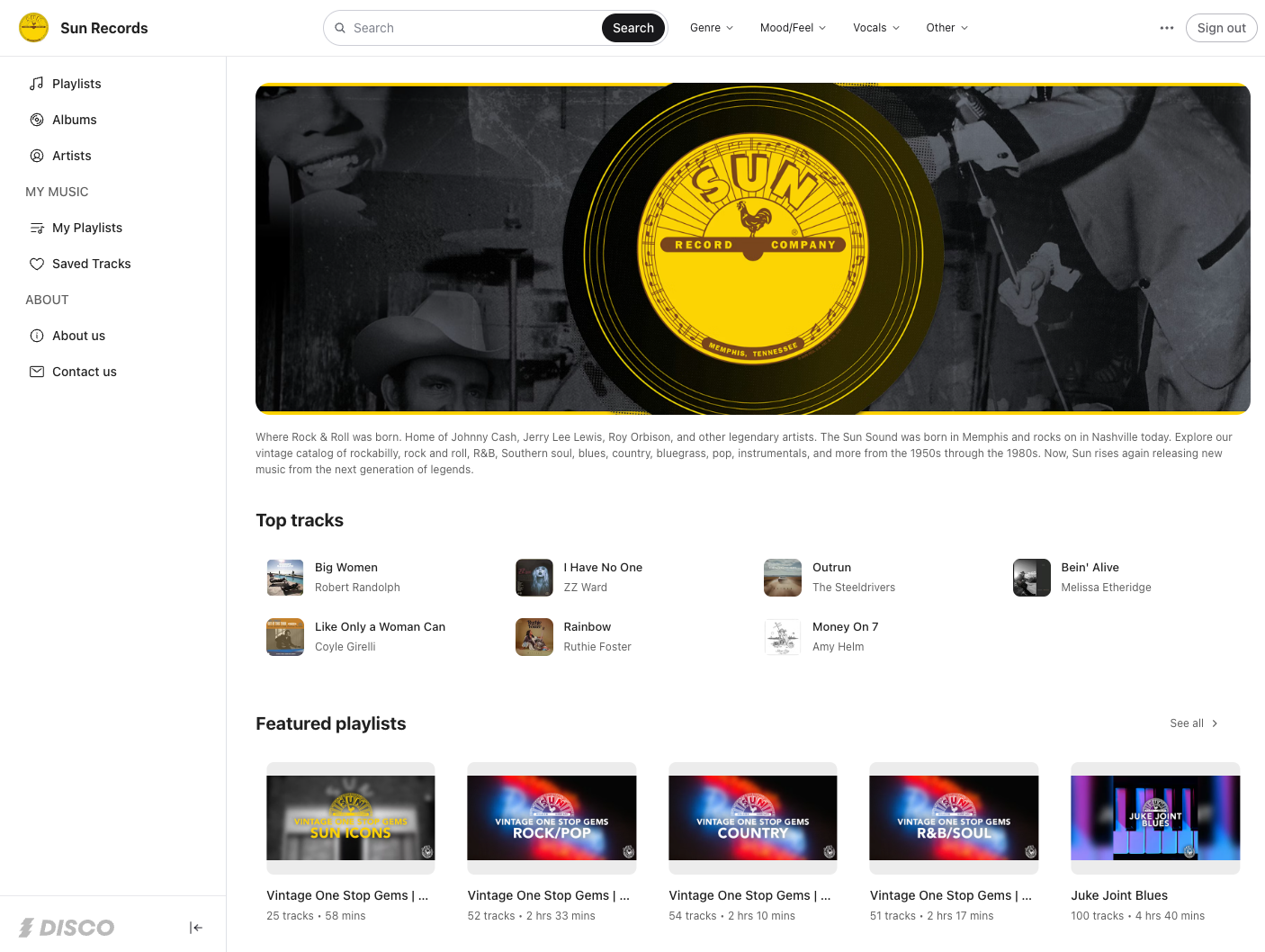
Importantly, Catalogs are the outward-facing part of DISCO. If you opt in, your Catalog can be made visible to verified Music Supervisors on DISCO - meaning your tracks will appear in their search results across the platform. Music Supervisors have additional features in their DISCO accounts specifically for browsing and discovering content from outside their own library, making Catalogs the most direct route to getting your music in front of them.

How it all fits together
Each part of DISCO is designed to help you move faster, stay organized, and make your music easier to access, hear, and work with. Here is how a typical workflow might connect them:
- upload files as tracks - add metadata, playback, share
- use Inboxes or Briefs to receive tracks or submissions from collaborators
- build playlists to group tracks and share streamable or downloadable links
- turn playlists into Pages to elevate the design with bio, images, video, and socials on one link
- use Channels to build a folder structure and keep playlists organized
- share DISCO Catalogs so clients and music supervisors can search curated collections of your content
Wrap up
DISCO's organizational elements each play a distinct role - and once that clicks, the whole platform becomes easier to navigate. If you are unsure which one to reach for, the quick reference table at the top of this article is a good place to start.