




In this article
You'll find out:
- how to share your Catalog with clients and industry contacts
- where to add your Catalog link for maximum visibility
- how to keep your Catalog fresh and worth returning to
- how to opt in to MultiDISCO Search and the Discover Music area
- what it realistically takes to get sync placements
Start by making it easy to find
Once your Catalog is live, the goal is simple - make sure the right people know it exists and can get to it instantly.
A few high-value places to put your Catalog link:
- your email signature
- your website, ideally as a prominent "Search our catalog" button
- bulk email campaigns to your contact database
- direct invites sent from the Clients section of the Catalog CMS, which pre-authorizes access for close contacts
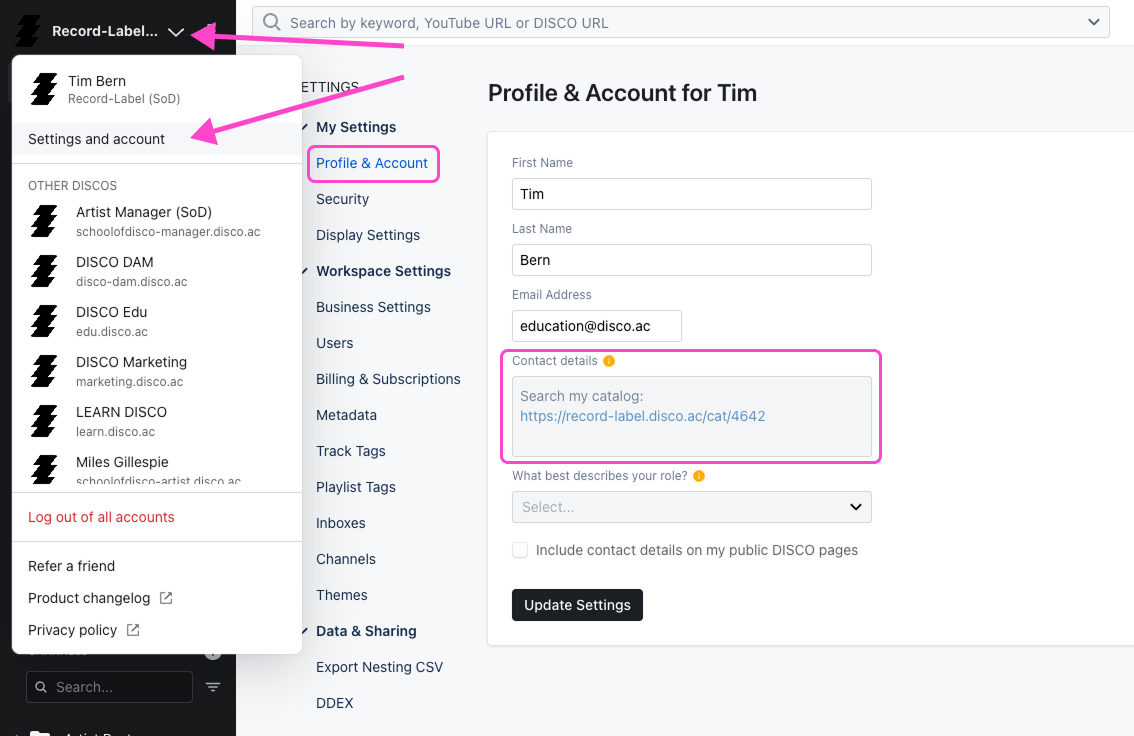
- your DISCO profile contact details, so it appears in the footer of every shared playlist
These are not one-off actions. The best-performing Catalogs stay consistently in front of people - through regular updates, new releases added, and ongoing outreach that gives supervisors a reason to come back.
Keep your Catalog fresh
Supervisors who visit once and find the same content every time have no reason to come back. A few habits that help:
- add new releases as they come in
- keep metadata and tags current
- update artist bios and photos when things change
- feature seasonal or timely playlists where relevant
- use the Stats section to see what is getting attention and curate accordingly
Stats are available for each Catalog in the Stats section - you can see who is accessing it, which tracks are getting played, and where the interest is coming from. Use that to make better decisions about what to feature.
Opt in to MultiDISCO Search
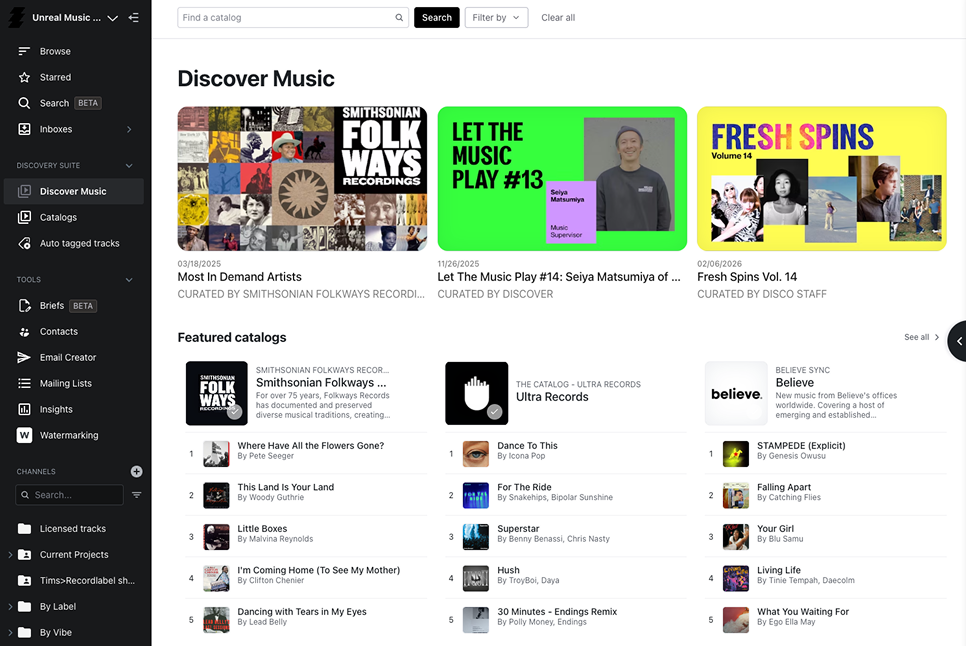
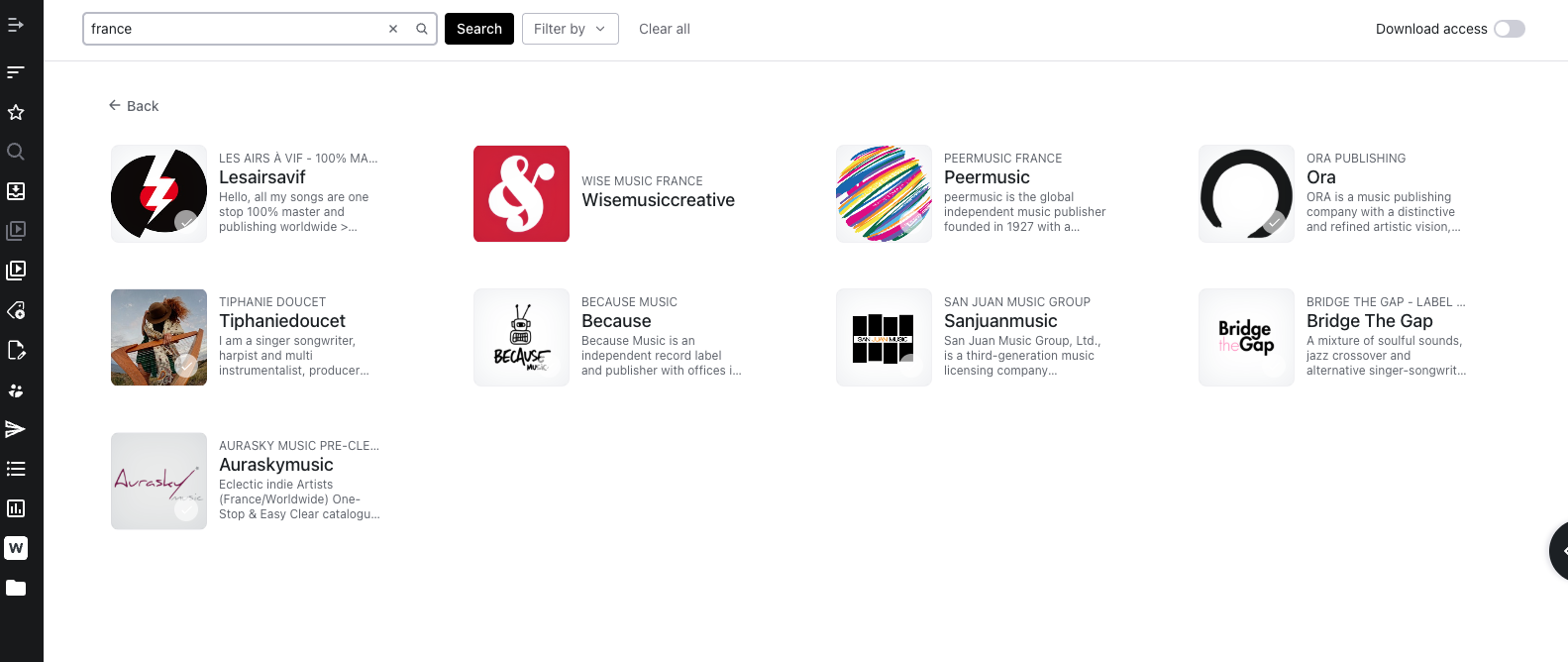
If you want to extend your reach beyond your existing network, setting your Catalog to Easy Access in the Access and promotion settings puts your tracks into MultiDISCO Search - available inside every verified music supervisor DISCO account around the clock.
Make sure your Catalog description is filled in before opting in. Supervisors can search Catalogs by description inside the Discover Music area - a specific, accurate description about the sounds and strengths of your catalog makes you easier to find when someone is browsing for a new source.
A note on sync placements
Being part of MultiDISCO Search is an advantage over libraries that aren't participating - but it is worth being clear about what that means in practice.
Landing sync placements involves quality music, fast communication, trusted relationships, and consistent presence. Appearing in search results increases the odds of being discovered - it does not guarantee a placement.
Supervisors who find you through MultiDISCO Search still need to like what they hear. They still need to be able to clear it. They still need to be able to reach you quickly when a brief is live.
That means your metadata needs to include contact information and rights details. Your Catalog needs to look professional. And you still need to be doing the relationship work - reaching out, attending events, following up, staying visible - so that when a supervisor sees your music in a search result, there is already some recognition there.
The Catalog opens the door. Everything else determines whether anything comes through it.
Wrap up
Put your Catalog link everywhere, keep the content fresh, and do the relationship work alongside it. The Catalog handles the search infrastructure- you handle the rest.